
INSIGHTS
What Is Harness Engineering for AI Agents?
Learn what Harness Engineering is, why AI agents need it, and how it improves reliability, security, and automation. Explore agent harness architecture, key components, and real-world software development examples in simple, beginner-friendly language.
Engineering support
Need help applying this?
Discuss your engineering requirements with Vyomanant Technologies.
Talk to UsOn this page
Imagine giving an AI agent a task:
"Fix the failing tests in my application and prepare the code for deployment."
The AI agent may understand the problem and generate a solution. But several questions remain:
- How will it access the source code?
- Which commands can it execute?
- How will it know whether the fix works?
- What happens if it makes a mistake?
- Who approves important changes?
This is where Harness Engineering comes in.
Harness Engineering focuses on building the tools, instructions, workflows, and safeguards that help AI agents complete tasks reliably.
Let's understand this concept with simple examples.
1. What Is Harness Engineering?
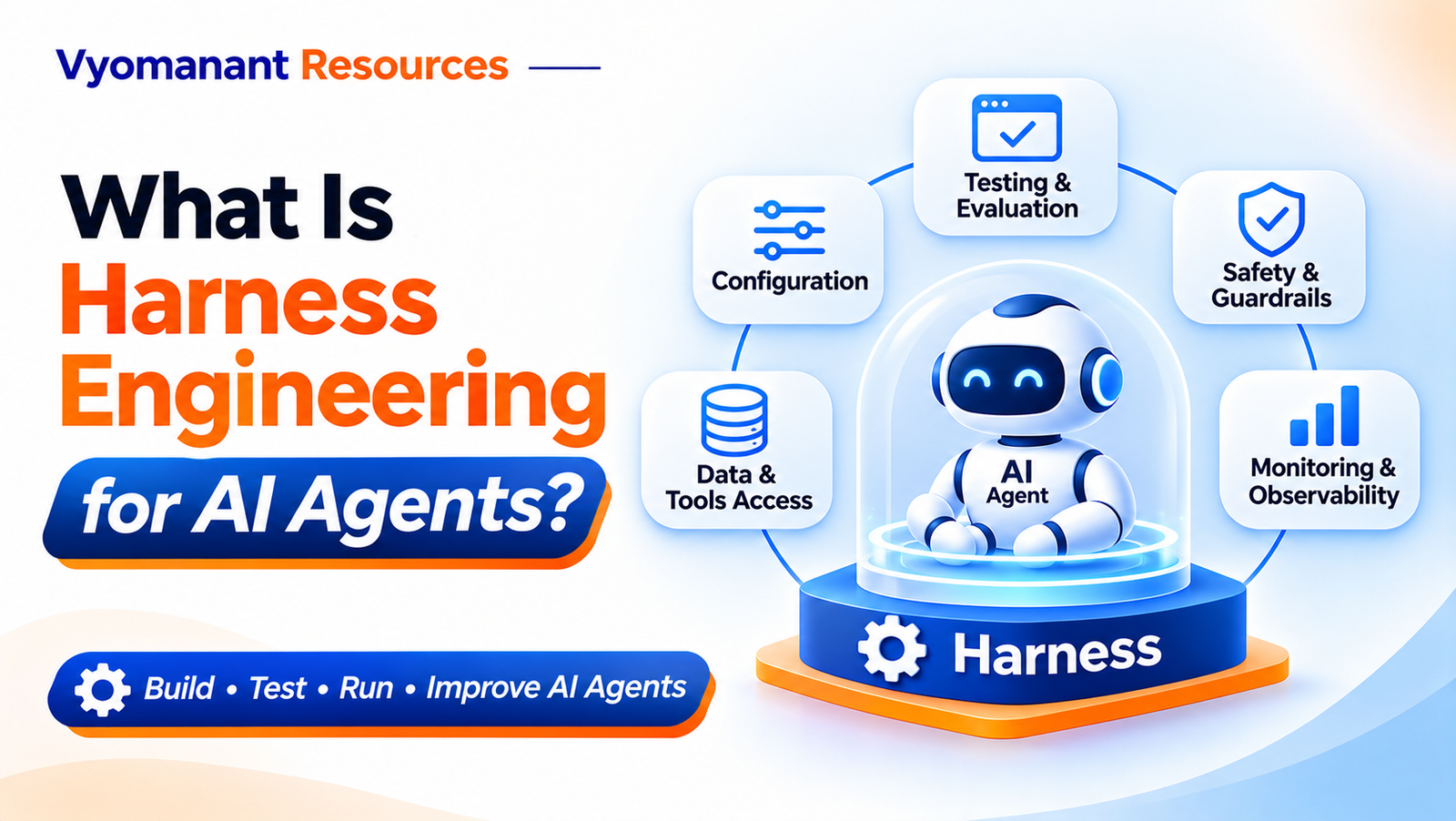
Harness Engineering is the practice of designing and improving the environment, tools, context, workflows, and controls surrounding an AI agent so it can perform tasks effectively and safely.
An AI model provides reasoning and language capabilities.
An agent harness provides the supporting system that helps the model interact with its environment, perform actions, and verify results.
Simple Analogy
Imagine a skilled driver.
- AI Model: The driver who makes decisions.
- Agent Harness: The vehicle, dashboard, navigation system, controls, and safety mechanisms.
- User Goal: The destination.
A skilled driver still needs a reliable vehicle and clear information to reach the destination safely.
Similarly, a powerful AI model needs a well-designed harness to complete real-world tasks reliably.
Key Point: Harness Engineering is not about training a new AI model. It is about improving the system in which an AI model operates.
2. Why Do AI Agents Need a Harness?
AI agents can generate code, analyze problems, and suggest actions.
However, a model alone does not automatically have everything required to complete a real-world workflow.
For example, an AI coding agent may need:
- Access to the correct project files.
- Instructions about coding standards.
- Tools to run commands.
- A way to execute tests.
- Permissions to modify files.
- Feedback when something fails.
- Limits on risky operations.
Without these capabilities, an agent may produce a reasonable-looking answer without actually solving the problem.
Harness Engineering helps turn AI reasoning into controlled, verifiable actions.
3. Harness Engineering Architecture
A typical agent harness combines an AI model with context, tools, execution controls, and validation.
Basic Architecture
                  USER
                    |
                    v
             +-------------+
             |  User Goal  |
             +-------------+
                    |
                    v
        +-----------------------+
        |     AGENT HARNESS     |
        |                       |
        | Instructions & Rules  |
        | Context & Memory      |
        | Tool Management       |
        | Execution Controls    |
        | Safety & Permissions  |
        +-----------+-----------+
                    |
                    v
        +-----------------------+
        |    AI MODEL / LLM     |
        |                       |
        | Understand & Reason   |
        | Decide Next Action    |
        +-----------+-----------+
                    |
                    v
        +-----------------------+
        |    TOOLS & ACTIONS    |
        |                       |
        | Read / Edit Files     |
        | Run Commands          |
        | Access APIs           |
        | Execute Tests         |
        +-----------+-----------+
                    |
                    v
        +-----------------------+
        | VALIDATION & FEEDBACK |
        |                       |
        | Test Results          |
        | Error Logs            |
        | Security Checks       |
        | Approval Gates        |
        +-----------+-----------+
                    |
             +------+------+
             |             |
          Failed         Passed
             |             |
             v             v
        Retry/Adjust   Final Output
             |
             +----> Agent Harness
How It Works:
- The user provides a goal.
- The harness supplies relevant instructions and context.
- The AI model decides which action to take.
- The harness executes permitted tool operations.
- Validation checks the results.
- The agent continues, adjusts its approach, or finishes.
Important: This is a simplified architecture. Real implementations may organize these components differently.
4. Key Components of an Agent Harness
1. Instructions and Rules
Instructions tell the agent how it should behave and what requirements it must follow.
Example:
A software development agent receives these instructions:
- Follow the project's coding standards.
- Do not modify production credentials.
- Run tests after changing code.
- Request approval before deployment.
Purpose: Keep the agent aligned with the task and project requirements.
2. Context Management
Context provides the information an agent needs to make decisions.
It may include:
- Project documentation.
- Source code.
- Previous tool results.
- Application architecture.
- Relevant conversation history.
Example:
Before changing a Java application, the harness provides information about its Spring Boot version, project structure, and testing conventions.
Purpose: Help the agent understand the environment instead of guessing.
3. Tool Integration
Tools allow an agent to interact with external systems.
Examples include:
- File system tools.
- Git and GitHub.
- Terminal commands.
- CI/CD systems.
- Databases and APIs.
- MCP-compatible servers.
Example:
An AI agent uses a terminal tool to run:
mvn test
The harness returns the test results to the agent.
Purpose: Enable the agent to perform real actions.
4. Execution Environment
The execution environment determines where and how the agent's actions run.
It may use isolated containers, temporary workspaces, or restricted environments.
Example:
An AI coding agent executes generated code inside an isolated container instead of directly modifying a production server.
Purpose: Reduce the impact of mistakes and provide a controlled workspace.
5. Feedback and Validation
Validation checks whether the agent's work meets the expected requirements.
Common checks include:
- Unit tests.
- Integration tests.
- Code quality checks.
- Security scans.
- Build verification.
Example:
An agent modifies Python code and runs:
pytest
If a test fails, the agent receives the error output and investigates further.
Purpose: Verify results rather than assuming generated code is correct.
6. Safety and Permissions
Safety controls limit what an agent can access or modify.
Examples include:
- Read-only access to sensitive systems.
- Restricted command execution.
- Limited API permissions.
- Human approval for high-risk actions.
- Execution time and resource limits.
Example:
An AI agent can prepare Terraform changes but cannot apply them to production without authorization.
Purpose: Prevent unauthorized or dangerous operations.
5. Real-World Example: AI Agent Fixing a Bug
Let's understand Harness Engineering through a practical software development scenario.
Scenario: A developer asks an AI coding agent:
"Fix the failing unit tests in my application."
Step 1: Understand the Project
The harness gives the agent access to the relevant repository, documentation, and coding instructions.
Step 2: Investigate the Failure
The agent uses an authorized terminal tool:
pytest
It reads the test failures and identifies a possible cause.
Step 3: Modify the Code
The agent edits the relevant source files in its workspace.
Step 4: Verify the Fix
The harness allows the agent to rerun the tests.
pytest
Step 5: Review the Results
If tests fail, the agent investigates again.
If tests pass, the harness may run additional checks such as linting or security scanning.
Step 6: Prepare the Output
The agent summarizes the changes and prepares a pull request for human review.
Result: The agent doesn't just generate a possible solution. It works within a controlled process to implement and validate one.
Key Point: The harness makes the agent's work more structured, testable, and reviewable.
6. AI Model vs AI Agent vs Agent Harness
These three terms are related but different.
| Component | Main Responsibility | Simple Example |
|---|---|---|
| AI Model | Understands and generates responses | Suggests a bug fix |
| AI Agent | Works toward a goal through decisions and actions | Investigates and fixes a bug |
| Agent Harness | Provides tools, context, execution controls, and validation | Runs tests and enforces permissions |
Simple Analogy
Think of a software engineer working in an office.
- AI Model: The engineer's reasoning ability.
- AI Agent: The engineer performing assigned tasks.
- Agent Harness: The workstation, tools, instructions, processes, and safeguards.
The model provides intelligence. The agent performs the workflow. The harness provides the supporting environment.
7. Harness Engineering vs Prompt Engineering
Prompt Engineering and Harness Engineering both help improve AI behavior, but they focus on different areas.
| Prompt Engineering | Harness Engineering |
|---|---|
| Focuses on instructions given to a model | Focuses on the complete agent environment |
| Improves how tasks are described | Improves how tasks are executed and verified |
| Uses prompts and examples | Uses prompts, tools, context, controls, and tests |
| Often focuses on model responses | Focuses on reliable end-to-end task completion |
Example
Prompt Engineering:
"Write clean Python code and include unit tests."
Harness Engineering:
Provide coding instructions, repository access, a Python environment, test execution tools, and automated checks that verify whether the generated code works.
Key Difference: Prompt Engineering helps explain what the AI should do. Harness Engineering helps provide the conditions and controls for doing it reliably.
8. Harness Engineering vs MCP
Harness Engineering and Model Context Protocol (MCP) are not the same.
MCP standardizes how AI applications connect to external tools and data sources.
Harness Engineering focuses on the broader system that supports agent execution.
Example
An AI agent needs to inspect a GitHub repository.
- MCP: Can provide a standardized connection to GitHub tools.
- Agent Harness: Determines which tools are available, manages context, applies permissions, and validates the agent's work.
Remember: MCP can be one part of an agent harness, but a harness includes much more than tool connectivity.
9. Benefits of Harness Engineering
More Reliable Results
Automated tests and validation help identify incorrect outputs.
Better Security
Permissions, isolation, and approval processes reduce operational risks.
Improved Productivity
Reusable tools and workflows reduce repetitive setup work.
Easier Troubleshooting
Execution logs and tool results make agent failures easier to investigate.
More Consistent Workflows
Shared instructions and checks help agents follow established engineering practices.
Important: A harness improves the conditions for reliable execution, but it cannot guarantee that an AI agent will always make correct decisions.
10. Challenges of Harness Engineering
Building an effective harness introduces its own engineering challenges.
- Complexity: More tools and integrations require maintenance.
- Context Quality: Incorrect or outdated information can mislead agents.
- Security: Tool access must be carefully restricted.
- Cost: Repeated model calls and execution steps consume resources.
- Evaluation: Measuring successful task completion can be difficult.
Best Practice: Start with a small set of trusted tools, clear instructions, and measurable validation checks.
Expand the harness only when additional capabilities provide real value.
11. Where Is Harness Engineering Used?
| Area | Example |
|---|---|
| Software Development | AI coding agents that edit and test code |
| DevOps | Agents that investigate CI/CD failures |
| Cloud Operations | Agents that analyze infrastructure problems |
| Cybersecurity | Agents that investigate security alerts |
| Quality Assurance | Agents that generate and execute tests |
| IT Support | Agents that troubleshoot and document issues |
The implementation depends on the environment, available integrations, and level of autonomy required.
12. Final Thoughts
Harness Engineering helps AI agents move from generating answers to completing tasks through controlled, verifiable workflows.
By combining instructions, context, tools, execution environments, feedback, and safety controls, organizations can build AI agents that are more reliable and easier to manage.
As AI agents become more capable, the quality of their supporting systems becomes increasingly important.
Key Takeaway: A powerful AI model provides intelligence, but a well-designed harness helps turn that intelligence into reliable, secure, and useful actions.
CONTINUE EXPLORING
Recommended next
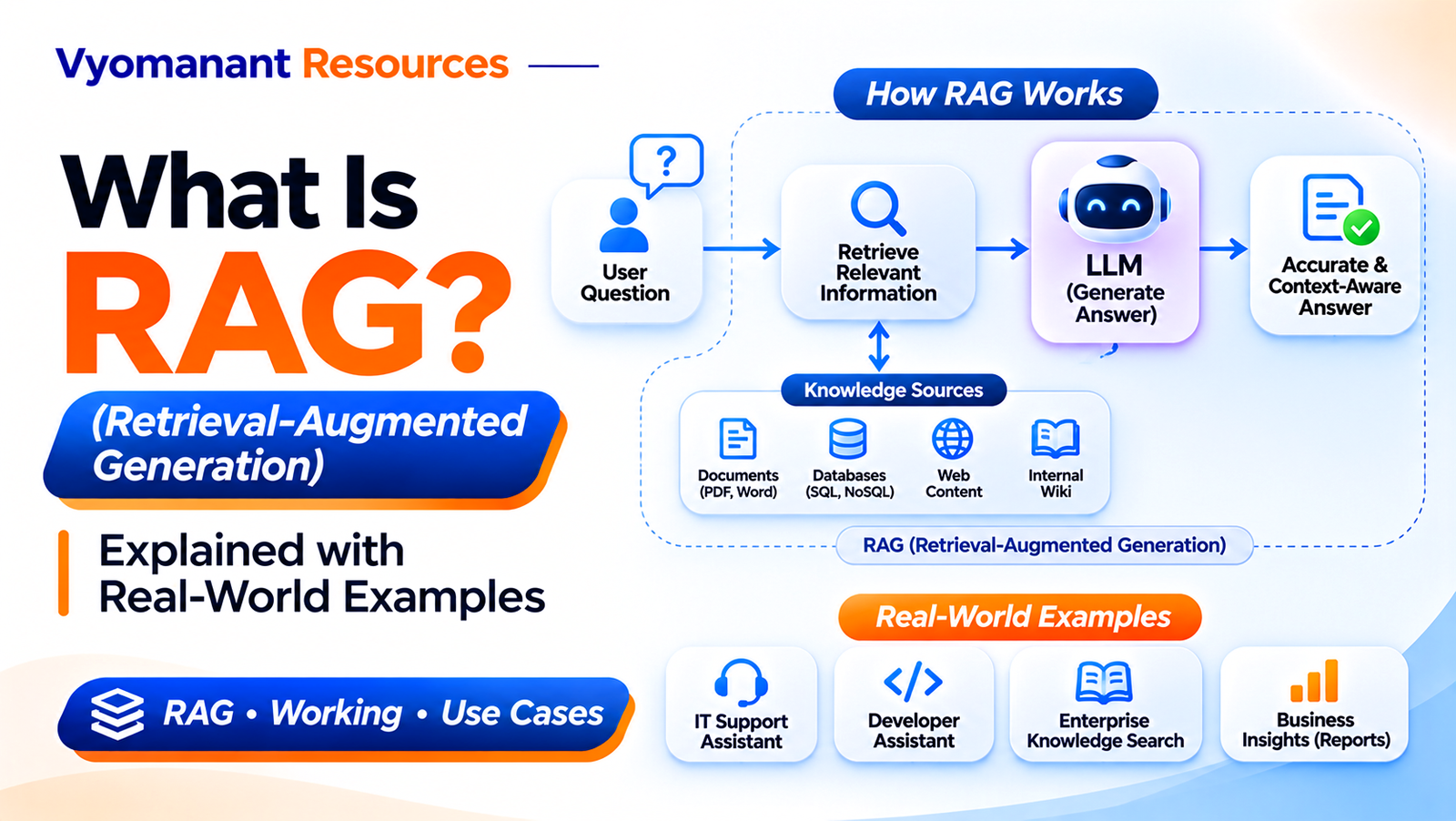
What Is RAG? Explained with Real-World Examples
Learn what Retrieval-Augmented Generation (RAG) is, how it works, and why it is important for AI applications. Understand RAG architecture, embeddings, vector databases, and real-world use cases through simple explanations and practical examples.
Read insight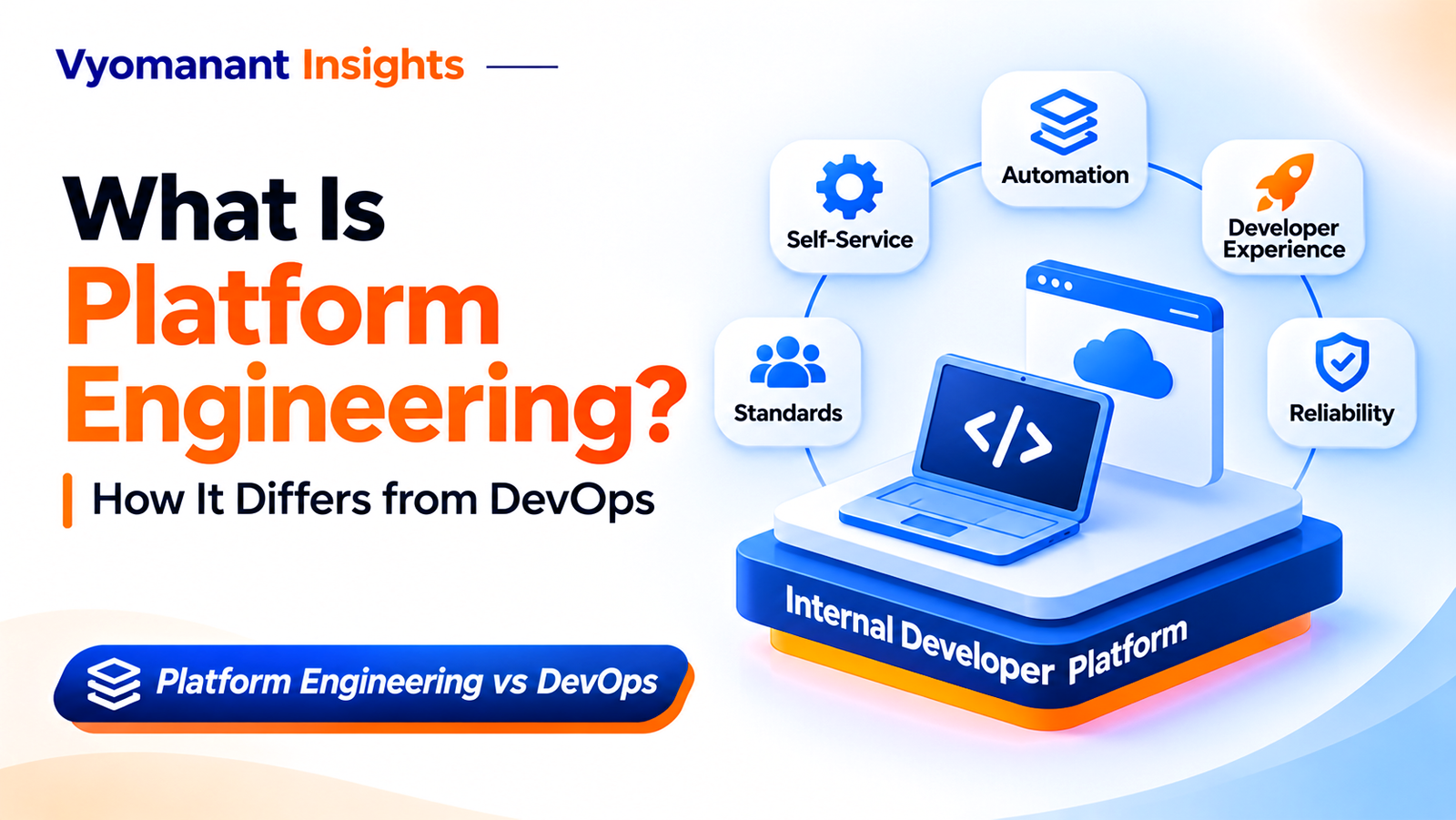
What Is Platform Engineering? How It Differs from DevOps
Learn what Platform Engineering is, how it works, and how it differs from DevOps. Explore Internal Developer Platforms (IDPs), self-service infrastructure, real-world examples, benefits, and the roles of platform engineers.
Read insight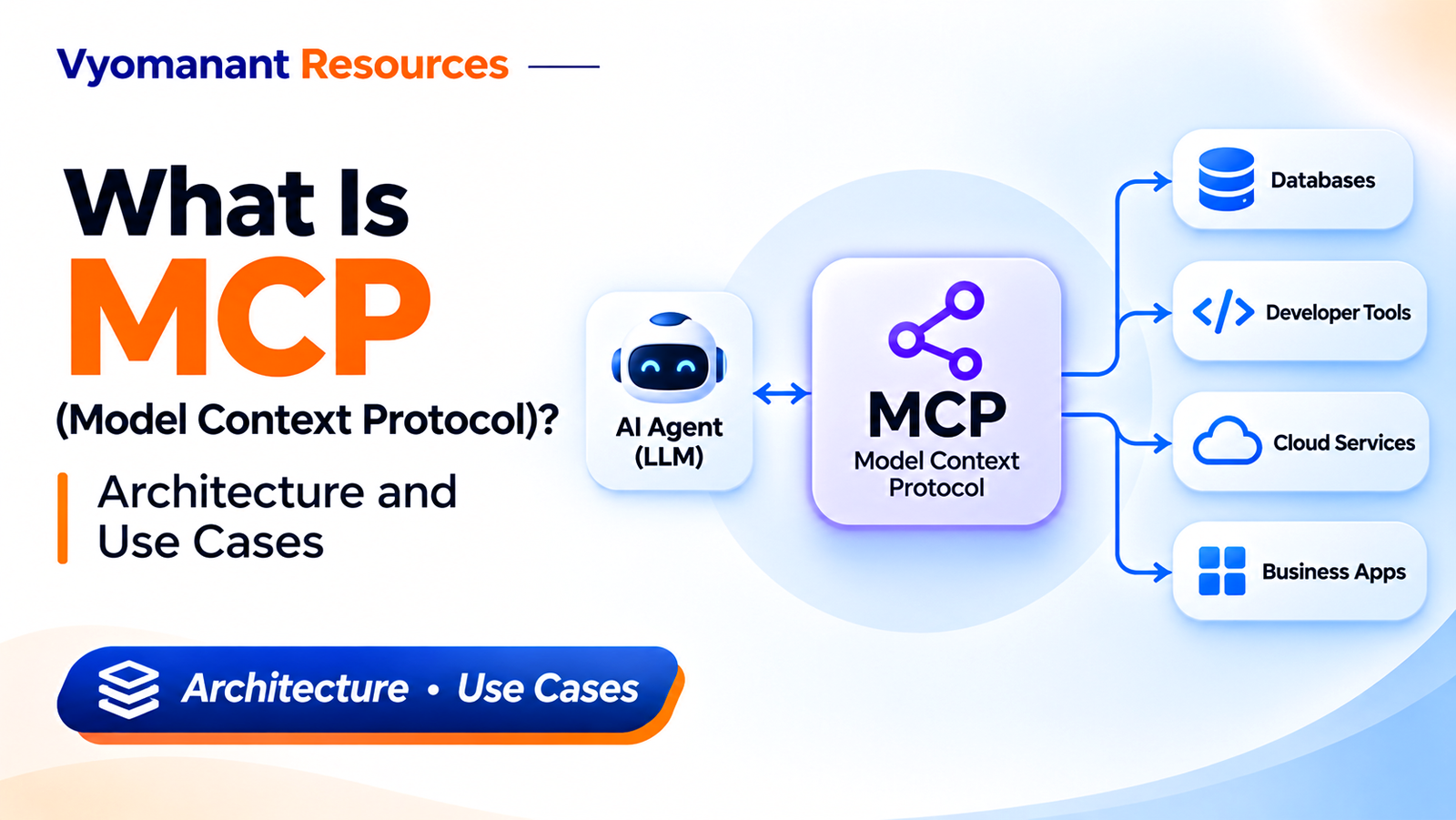
What Is MCP (Model Context Protocol)? Architecture & Use cases
Learn what Model Context Protocol (MCP) is, how its architecture works, and how it connects AI applications with external tools and data. Explore MCP clients, servers, tools, resources, and real-world examples in simple, beginner-friendly language.
Read insight