
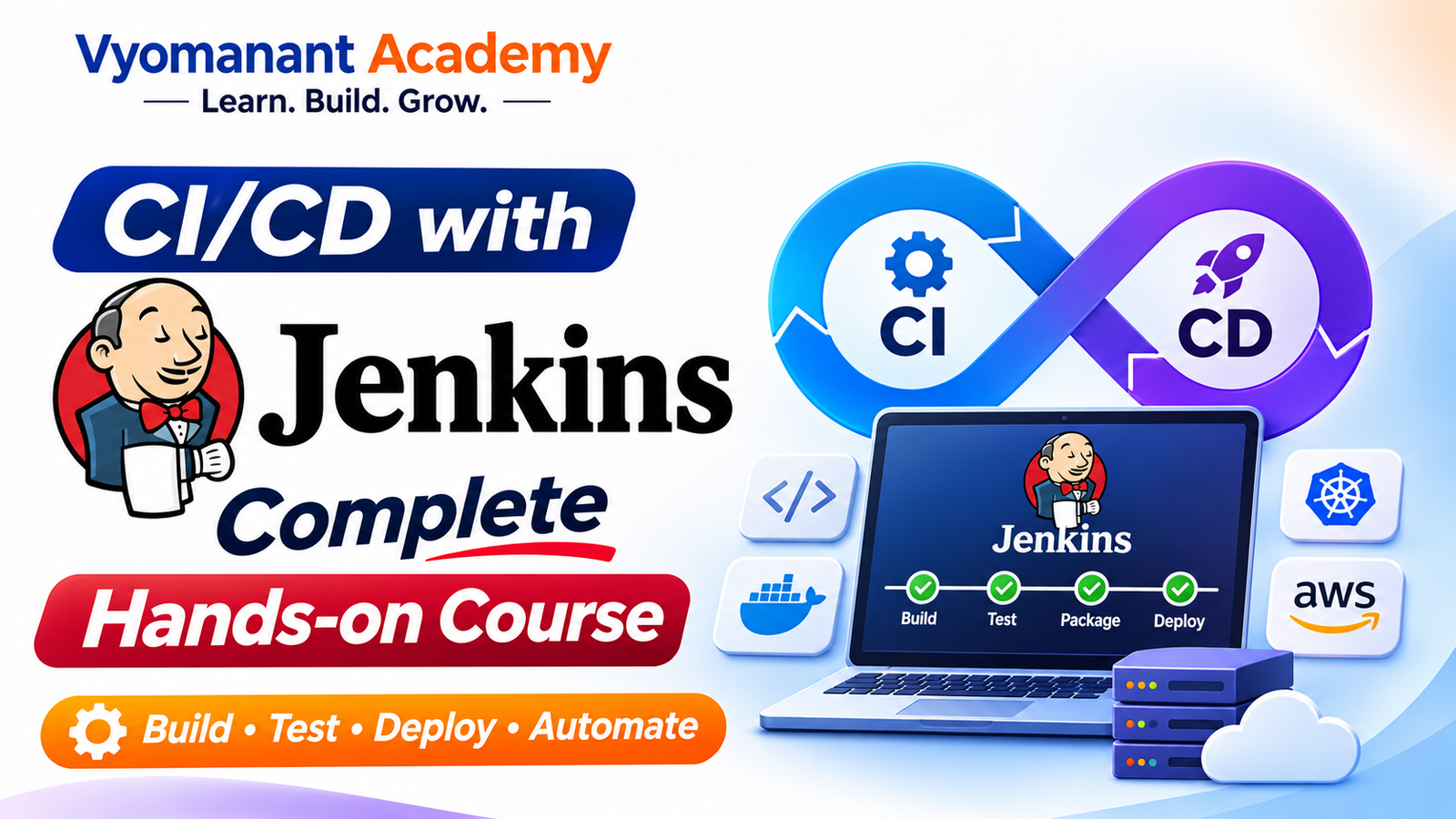
CI/CD with Jenkins Complete Hands-on Course
Master CI/CD with Jenkins through hands-on labs, automated build and deployment pipelines, Jenkinsfile scripting, and real-world DevOps projects.
- Duration
- 30 Hrs
- Delivery mode
- Live Online
- Level
- Intermediate
- Module
- 31 Modules
- Lesson
- 215 Lessons
- Capstone
- 1 Capstone
Learning Experience
- Hands-on Labs
- Real Projects
About This Course
Learn Jenkins CI/CD from basics to advanced concepts with practical hands-on exercises. Automate software builds, testing, and deployments using Jenkins pipelines.
What You'll Learn
- Jenkins installation and configuration
- Continuous Integration and Continuous Delivery
- Freestyle jobs and Jenkins pipelines
- Declarative and Scripted Jenkinsfiles
- Git, Maven, and Docker integration
- Automated builds, testing, and deployments
- Real-world CI/CD projects and best practices
Structured learning path
Course Curriculum
31 Modules 1 Capstone
Core Learning Modules
Module 0 Software Delivery and DevOps
- 01Traditional software delivery challenges
- 02DevOps culture
- 03Development and operations collaboration
- 04Automation in the delivery lifecycle
- 05Feedback and continuous improvement
Module 1 Continuous Integration and Delivery
- 01Continuous Integration
- 02Continuous Delivery
- 03Continuous Deployment
- 04CI/CD workflow
- 05Pipeline stages
- 06CI/CD benefits and challenges
Module 2 Jenkins Overview
- 01Jenkins features
- 02Jenkins use cases
- 03Jenkins ecosystem
- 04Jenkins compared with other CI/CD tools
- 05Common Jenkins workflow
Module 3 Jenkins Architecture
- 01Jenkins controller
- 02Jenkins agents
- 03Executors
- 04Nodes
- 05Jobs and builds
- 06Workspaces
- 07Workspaces
- 08Plugins
Module 4 Installing Jenkins
- 01System requirements
- 02Java installation
- 03Jenkins installation on Ubuntu/AWS EC2
- 04Initial setup
- 05Administrator account
- 06Required network ports
Module 5 Hands-on Lab — Configure Jenkins
- 01Install and start Jenkins
- 02Unlock Jenkins
- 03Install required plugins
- 04Configure the Jenkins URL
- 05Configure global tools
- 06Create a test job
- 07Review build history
Module 6 Freestyle Projects
- 01Create Freestyle jobs
- 02Source-code configuration
- 03Build triggers
- 04Build steps
- 05Post-build actions
- 06Job parameters
Module 7 Managing Builds
- 01Build queue
- 02Build history
- 03Console output
- 04Workspace
- 05Build status
- 06Job configuration history overview
- 07Build retention
Module 8 Hands-on Lab — Automate an Application Build
- 01Create a Freestyle job
- 02Check out application code
- 03Configure the build tool
- 04Run the build
- 05Archive the result
- 06Diagnose a failed build
Module 9 Git Integration with Jenkins
- 01Install and configure Git
- 02Git plugin
- 03Repository URLs
- 04Branch specifications
- 05HTTPS and SSH authentication
- 06Credential configuration
Module 10 Build Triggers and Webhooks
- 01Manual triggers
- 02Scheduled builds
- 03Webhooks
- 04Poll SCM
- 05Upstream and downstream triggers
- 06Remote build triggers
Module 11 Hands-on Lab — Trigger Jenkins from Git
- 01Connect Jenkins to a repository
- 02Configure credentials
- 03Create a webhook
- 04Push a code change
- 05Verify automatic execution
- 06Troubleshoot webhook delivery
Module 12 Jenkins Pipeline Fundamentals
- 01Pipeline as Code
- 02Jenkinsfile
- 03Declarative pipelines
- 04Scripted pipelines
- 05Pipeline durability
- 06Pipeline visualization
Module 13 Declarative Pipeline Syntax
- 01pipeline
- 02agent
- 03stages
- 04stage
- 05steps
- 06environment
- 07options
- 08parameters
- 09post
Module 14 Hands-on Lab — Create a Declarative Pipeline
- 01Create a Jenkinsfile
- 02Define checkout, build and test stages
- 03Add post-build actions
- 04Commit the Jenkinsfile
- 05Execute and inspect the pipeline
Module 15 Pipeline Conditions and Parameters
- 01String, choice and boolean parameters
- 02Environment variables
- 03Conditional stages
- 04when directive
- 05Input and approval steps
- 06Timeouts and retries
Module 16 Parallel Execution and Error Handling
- 01Parallel stages
- 02Sequential stages
- 03Failure handling
- 04catchError
- 05Cleanup actions
- 06Pipeline status management
Module 17 Hands-on Lab — Build a Controlled Pipeline
- 01Create a parameterized pipeline
- 02Add conditional stages
- 03Run tests in parallel
- 04Add timeouts and retries
- 05Configure a manual approval
- 06Handle pipeline failures
Module 18 Build and Dependency Management
- 01Maven and Gradle overview
- 02Node.js/npm overview
- 03Global tool configuration
- 04Dependency caching considerations
- 05Reproducible builds
Module 19 Automated Testing and Code Quality
- 01Unit and integration tests
- 02JUnit test reports
- 03Code coverage
- 04Static code analysis
- 05SonarQube integration
- 06Quality gates
Module 20 Hands-on Lab — Build, Test and Analyze
- 01Hands-on Lab — Build, Test and Analyze
- 02Run automated tests
- 03Publish JUnit reports
- 04Archive the application
- 05Run static analysis
- 06Evaluate the quality result
Module 21 Artifact Management
- 01Build artifacts
- 02Archive and retrieve artifacts
- 03Artifact retention
- 04Build versioning
- 05Nexus and Artifactory overview
- 06Immutable artifact practices
Module 22 Docker in Jenkins Pipelines
- 01Docker build workflow
- 02Build images from Jenkins
- 03Tagging strategies
- 04Container registry authentication
- 05Push images to a registry
- 06Run tests inside containers
Module 23 Hands-on Lab — Build and Push a Docker Image
- 01Create a Dockerfile
- 02Build the application
- 03Build a Docker image
- 04Tag the image using the build number
- 05Authenticate with a registry
- 06Push the image
- 07Verify the published image
Module 24 Jenkins Credentials
- 01Credential types
- 02Credential scopes
- 03Secret text
- 04Username and password
- 05SSH keys
- 06Credentials Binding
- 07Secret masking and rotation
Module 25 Jenkins Access Control and Security
- 01Authentication and authorization
- 02Matrix-based security
- 03Role-based authorization overview
- 04Least-privilege access
- 05CSRF protection
- 06Script approval
- 07Plugin-security practices
Module 26 Hands-on Lab — Secure Jenkins and Pipelines
- 01Create Jenkins users
- 02Configure basic permissions
- 03Store registry and repository credentials
- 04Use credentials inside a Jenkinsfile
- 05Verify secret masking
- 06Review security settings
Module 27 Jenkins Agents
- 01Controller-agent architecture
- 02Static and dynamic agents
- 03Labels
- 04Executors
- 05Agent workspaces
- 06SSH agents
- 07Agent-selection strategies
Module 28 Containerized and Dynamic Agents
- 01Docker-based agents
- 02Agent images
- 03Ephemeral build environments
- 04Kubernetes agent overview
- 05Benefits and operational considerations
Module 29 Hands-on Lab — Run Builds on an Agent
- 01Configure a Jenkins agent
- 02Assign a label
- 03Select the agent from a Jenkinsfile
- 04Execute a build remotely
- 05Inspect the agent workspace
- 06Disconnect and reconnect the agent
Module 30 Deployment, Operations and Best Practices
- 01Environment-specific deployments
- 02Development, staging and production
- 03Manual approval gates
- 04Rolling, blue-green and canary strategies
- 05Rollback considerations
- 06Pipeline notifications
- 07Shared Libraries overview
- 08Jenkins backup and restore
- 09Plugin and credential maintenance
- 10Jenkins Configuration as Code overview
Capstone Projects
Capstone Capstone Project and Final Assessment
- 01Create or configure a Git repository.
- 02Add the application and Jenkinsfile.
- 03Configure Git credentials and a webhook.
- 04Trigger Jenkins from a code push.
- 05Check out the source code.
- 06Build the application.
- 07Run automated tests.
- 08Publish test and quality reports.
- 09Archive the application artifact.
- 10Build a versioned Docker image.
- 11Push the image to a registry.
- 12Deploy to a test environment.
- 13Run a basic validation check.
- 14Request manual production approval.
- 15Deploy the approved version.
- 16Demonstrate a rollback procedure.
- 17Review pipeline logs and results.
- 18Complete the final assessment.
- 19Remove temporary cloud and container resources.
Projects & Labs
Capstone Projects
Capstone Capstone Project and Final Assessment
- 01Create or configure a Git repository.
- 02Add the application and Jenkinsfile.
- 03Configure Git credentials and a webhook.
- 04Trigger Jenkins from a code push.
- 05Check out the source code.
- 06Build the application.
- 07Run automated tests.
- 08Publish test and quality reports.
- 09Archive the application artifact.
- 10Build a versioned Docker image.
- 11Push the image to a registry.
- 12Deploy to a test environment.
- 13Run a basic validation check.
- 14Request manual production approval.
- 15Deploy the approved version.
- 16Demonstrate a rollback procedure.
- 17Review pipeline logs and results.
- 18Complete the final assessment.
- 19Remove temporary cloud and container resources.
Instructor-led learning
Upcoming Live Batches
Choose from the currently published live batch schedules for this course.
Live batch
CI/CD with Jenkins Complete Hands-on Course
- Start date
- Dec 9, 2026
- Repeats
- Weekly
- Days
- Monday to Friday
- Time
- To be announced
- Timezone
- Asia/Kolkata
Announcement times use the timezone shown. Enquiry status does not confirm seat availability.
Ready to get started?
Take the next step in your learning journey.
Register your interest in CI/CD with Jenkins Complete Hands-on Course.
