
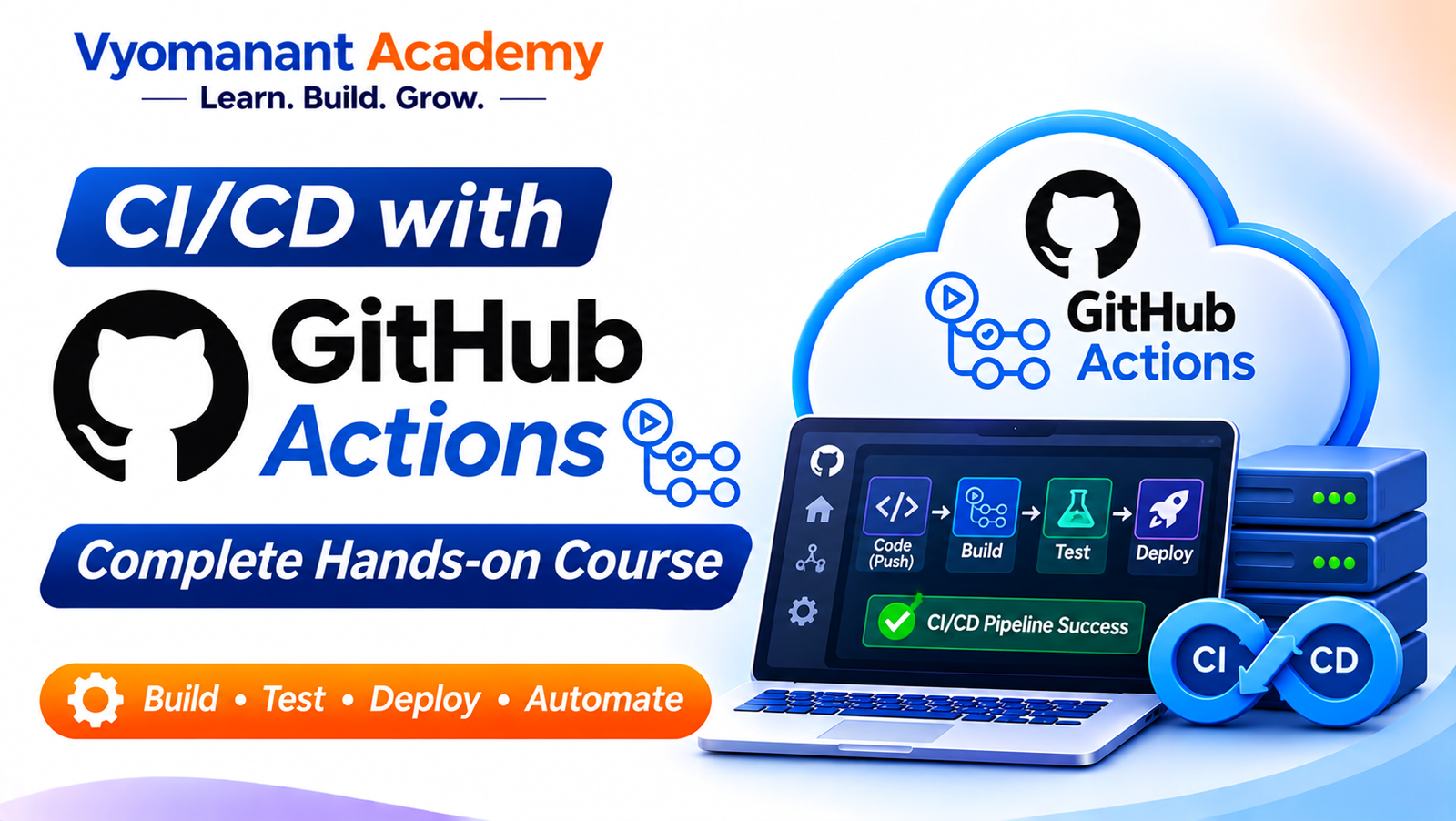
CI/CD with GitHub Actions
Master CI/CD with GitHub Actions through hands-on labs, automated workflows, build and deployment pipelines, and real-world DevOps projects.
- Duration
- 30 Hrs
- Delivery mode
- Live Online
- Level
- Intermediate
- Module
- 31 Modules
- Lesson
- 216 Lessons
- Capstone
- 1 Capstone
Learning Experience
- Hands-on Labs
- Real Projects
About This Course
Learn GitHub Actions from basics to advanced concepts through practical hands-on exercises. Automate software builds, testing, and deployments using GitHub Actions CI/CD workflows.
What You'll Learn
- CI/CD and GitHub Actions fundamentals
- GitHub Actions workflows and YAML
- Events, jobs, steps, and runners
- Automated builds and testing
- GitHub Secrets and environment variables
- Docker and cloud deployment integration
- Reusable workflows and custom actions
- Real-world CI/CD pipeline projects
Structured learning path
Course Curriculum
31 Modules 1 Capstone
Core Learning Modules
Module 0 Software Delivery and DevOps
- 01Traditional software-delivery challenges
- 02DevOps culture and collaboration
- 03Delivery automation
- 04Fast feedback
- 05Repeatability and reliability
Module 1 Continuous Integration and Delivery
- 01Continuous Integration
- 02Continuous Delivery
- 03Continuous Deployment
- 04Pipeline stages
- 05Deployment frequency and feedback
- 06CI/CD benefits and risks
Module 2 GitHub Actions Overview
- 01GitHub Actions use cases
- 02Repository-based automation
- 03Workflow lifecycle
- 04GitHub Actions compared with traditional CI servers
- 05Usage and billing overview
Module 3 Core Components
- 01Workflows
- 02Events
- 03Jobs
- 04Steps
- 05Actions
- 06Runners
- 07Workflow runs
Module 4 GitHub-Hosted Runners
- 01Runner operating systems
- 02Runner labels
- 03Preinstalled software
- 04Fresh runner environments
- 05Choosing a runner
- 06Execution limitations
Module 5 Hands-on Lab — First Workflow
- 01Create a workflow file
- 02Add push and manual triggers
- 03Execute commands
- 04Use multiple steps
- 05Inspect the workflow run
- 06Troubleshoot YAML errors
Module 6 Workflow YAML Syntax
- 01Workflow names
- 02Events
- 03Permissions
- 04Jobs and steps
- 05uses and run
- 06Input parameters
- 07Timeouts and defaults
Module 7 Using Marketplace Actions
- 01GitHub Marketplace
- 02Official and third-party actions
- 03Action inputs and outputs
- 04Version tags and commit SHA pinning
- 05Evaluating action security
- 06Action documentation
Module 8 Hands-on Lab — Build an Application
- 01Check out source code
- 02Configure a runtime
- 03Install dependencies
- 04Build the application
- 05Use action outputs
- 06Review build logs
Module 9 Workflow Events
- 01Push and pull-request events
- 02Manual execution
- 03Scheduled workflows
- 04Release events
- 05Workflow chaining overview
- 06Event payloads
Module 10 Filters, Expressions and Conditions
- 01Branch filters
- 02Tag filters
- 03Path filters
- 04GitHub Actions expressions
- 05if conditions
- 06Status-check functions
- 07Conditional execution
Module 11 Hands-on Lab — Event-Driven Workflow
- 01Configure push and pull-request triggers
- 02Add branch and path filters
- 03Accept manual inputs
- 04Execute conditional steps
- 05Inspect event context data
Module 12 Variables and Contexts
- 01Workflow, job and step variables
- 02Repository and environment variables
- 03github context
- 04env context
- 05runner context
- 06vars and secrets contexts
- 07Context-security considerations
Module 13 Outputs and Job Dependencies
- 01Step outputs
- 02Job outputs
- 03Job dependencies using needs
- 04Passing values between jobs
- 05Sequential and parallel jobs
- 06Dependency-failure behavior
Module 14 Hands-on Lab — Multi-Job Workflow
- 01Create build and test jobs
- 02Generate step outputs
- 03Pass values between jobs
- 04Control execution with needs
- 05Add conditional notifications or summaries
Module 15 Automated Testing
- 01Unit and integration testing
- 02Test exit codes
- 03Pull-request checks
- 04Test reports
- 05Code-coverage overview
- 06Workflow summaries
Module 16 Matrix Strategies
- 01Matrix dimensions
- 02Multiple operating systems
- 03Multiple runtime versions
- 04Include and exclude rules
- 05Fail-fast
- 06Experimental combinations
Module 17 Hands-on Lab — Cross-Platform Test Pipeline
- 01Create a runtime-version matrix
- 02Test on multiple operating systems
- 03Exclude unsupported combinations
- 04Upload test results
- 05Review matrix failures
- 06Publish a workflow summary
Module 18 Workflow Artifacts
- 01Upload artifacts
- 02Download artifacts
- 03Artifact naming
- 04Retention settings
- 05Share artifacts between jobs
- 06Build provenance overview
Module 19 Dependency Caching
- 01Cache workflow dependencies
- 02Cache keys and restore keys
- 03Cache invalidation
- 04Cache scope
- 05Caches vs artifacts
- 06Performance considerations
Module 20 Hands-on Lab — Package and Publish an Artifact
- 01Build the application
- 02Cache dependencies
- 03Package the output
- 04Upload a versioned artifact
- 05Download it in another job
- 06Verify the packaged result
Module 21 Secrets and Token Permissions
- 01Repository, environment and organization secrets
- 02GITHUB_TOKEN
- 03Workflow permission scopes
- 04Secret masking
- 05Secret inheritance considerations
- 06Least-privilege design
- 07Untrusted pull-request risks
Module 22 OIDC and Cloud Authentication
- 01Problems with long-lived cloud credentials
- 02OpenID Connect fundamentals
- 03Identity federation
- 04Required id-token permission
- 05Cloud trust policies
- 06Short-lived credentials
- 07AWS, Azure and Google Cloud options
Module 23 Hands-on Lab — Secure Workflow Authentication
- 01Restrict GITHUB_TOKEN permissions
- 02Configure repository and environment secrets
- 03Prevent secret exposure
- 04Configure OIDC for a selected cloud provider or review a guided demonstration
- 05Verify short-lived authentication
Module 24 Reusable Workflows
- 01workflow_call
- 02Workflow inputs and secrets
- 03Workflow outputs
- 04Calling reusable workflows
- 05Centralized pipeline standards
- 06Versioning reusable workflows
Module 25 Composite and Custom Actions
- 01Reusable workflow vs custom action
- 02Composite actions
- 03Action metadata
- 04Inputs and outputs
- 05JavaScript and Docker actions overview
- 06Testing custom actions
Module 26 Hands-on Lab — Create Reusable Automation
- 01Extract repeated steps
- 02Create a composite action
- 03Create a reusable workflow
- 04Pass inputs and secrets
- 05Call it from another workflow
- 06Verify reusable outputs
Module 27 Docker CI Pipelines
- 01Build Docker images
- 02Image tags
- 03Container Registry authentication
- 04GitHub Container Registry
- 05Push versioned images
- 06Image metadata and labels
- 07Basic vulnerability scanning overview
Module 28 Self-Hosted Runners
- 01GitHub-hosted vs self-hosted runners
- 02Runner installation and registration
- 03Runner labels
- 04Repository and organization runners
- 05Security and isolation
- 06Runner maintenance
- 07Ephemeral runners overview
Module 29 Hands-on Lab — Docker Build and Runner Execution
- 01Build a Docker image
- 02Tag it using commit and version data
- 03Authenticate with a registry
- 04Push the image
- 05Configure or demonstrate a self-hosted runner
- 06Execute a labeled job
Module 30 Deployment, Releases and Operations
- 01Environment secrets
- 02Deployment approvals
- 03Deployment branch restrictions
- 04Concurrency groups
- 05Preventing overlapping deployments
- 06Development, staging and production
- 07GitHub Releases
- 08Release tags
- 09Rollback strategies
- 10Workflow logs and retention
- 11Status badges
- 12Dependency and security updates
- 13Workflow troubleshooting
Capstone Projects
Capstone Capstone Project and Final Assessment
- 01Create the application repository.
- 02Add a pull-request validation workflow.
- 03Check out and build the application.
- 04Run unit and integration tests.
- 05Test multiple runtime versions with a matrix.
- 06Cache dependencies.
- 07Upload test and build artifacts.
- 08Create a reusable workflow or composite action.
- 09Configure least-privilege permissions.
- 10Authenticate securely using secrets or OIDC.
- 11Build and publish a Docker image.
- 12Deploy to a staging environment.
- 13Run a post-deployment validation.
- 14Require approval for production.
- 15Prevent overlapping production deployments.
- 16Deploy the approved release.
- 17Create a version tag and GitHub Release.
- 18Demonstrate a rollback procedure.
- 19Review workflow logs and security settings.
- 20Complete the final assessment.
Projects & Labs
Capstone Projects
Capstone Capstone Project and Final Assessment
- 01Create the application repository.
- 02Add a pull-request validation workflow.
- 03Check out and build the application.
- 04Run unit and integration tests.
- 05Test multiple runtime versions with a matrix.
- 06Cache dependencies.
- 07Upload test and build artifacts.
- 08Create a reusable workflow or composite action.
- 09Configure least-privilege permissions.
- 10Authenticate securely using secrets or OIDC.
- 11Build and publish a Docker image.
- 12Deploy to a staging environment.
- 13Run a post-deployment validation.
- 14Require approval for production.
- 15Prevent overlapping production deployments.
- 16Deploy the approved release.
- 17Create a version tag and GitHub Release.
- 18Demonstrate a rollback procedure.
- 19Review workflow logs and security settings.
- 20Complete the final assessment.
Instructor-led learning
Upcoming Live Batches
Choose from the currently published live batch schedules for this course.
Live batch
CI/CD with GitHub Actions
- Start date
- Dec 9, 2026
- Repeats
- Weekly
- Days
- Monday to Friday
- Time
- To be announced
- Timezone
- Asia/Kolkata
Announcement times use the timezone shown. Enquiry status does not confirm seat availability.
Ready to get started?
Take the next step in your learning journey.
Register your interest in CI/CD with GitHub Actions.
